
8 Ball Billiards Classic
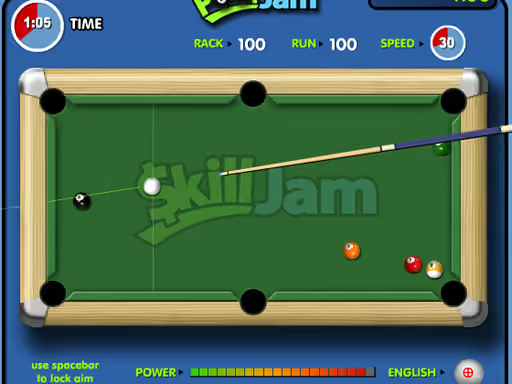 Pool jam
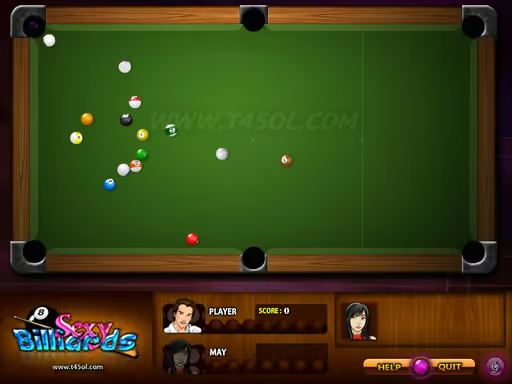 Sexy billiard
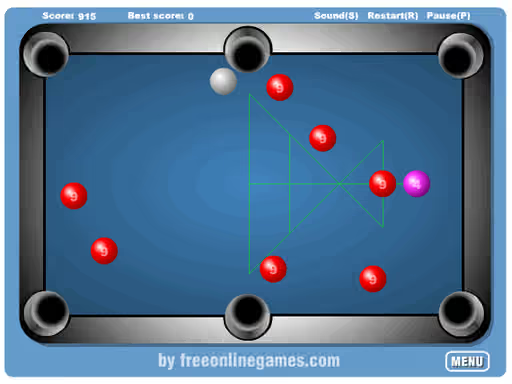 Mini pool 2
 Pool Time Attack
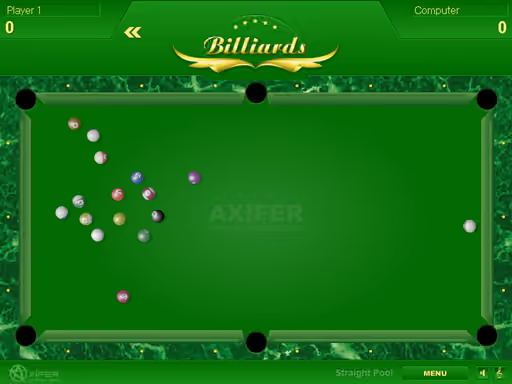 Billiards
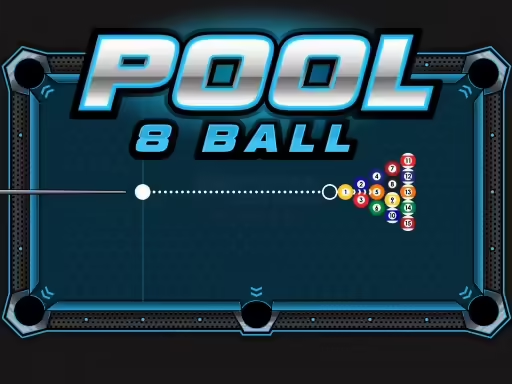 Pool 8 Ball
 Pool bubbles
 8 Ball Pool With Friends
 Master Tournament
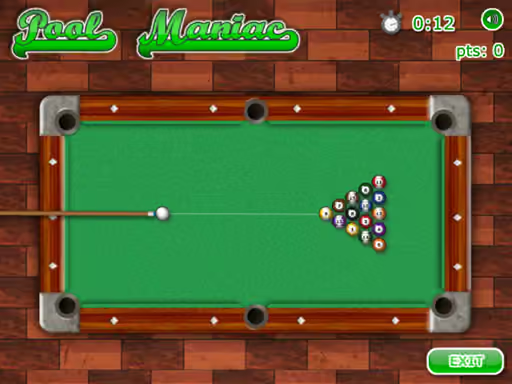 Pool maniac
 Penthouse pool
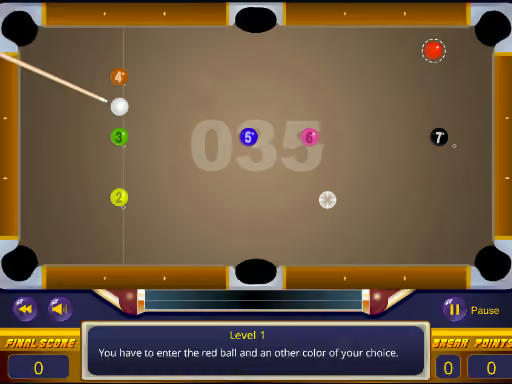 Snooker
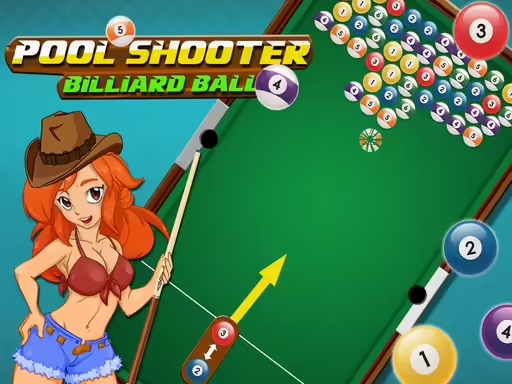 Pool Shooter Billiard Ball
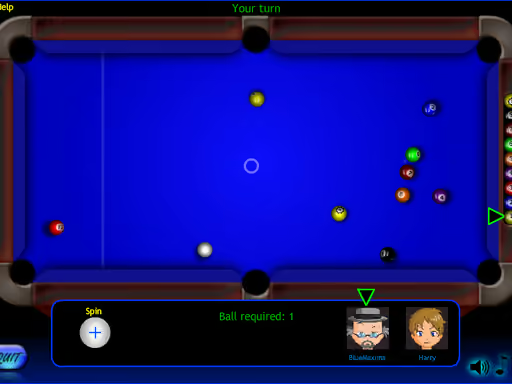 Billiard blitz 3
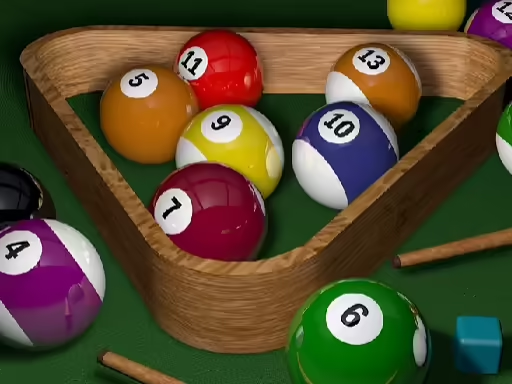 Pro Billiards
 Speed Billiards
 Footy Flick
 Black hole billiard
 Galaxy Guardians
 Rack\'em 8 Ball Pool
 Billiard neon
 MiniPool.io
 3d Billiard 8 ball Pool
 Play the game Sexy Bil
 Nine Ball
 Super Smash Flash 2
 Basketball Stars
Game 8 Ball Billiards Classic
About 8 Ball Billiards Classic
One cue ball, six pockets. In 8 Ball Billiards Classic you pot your own before your opponent does, whether that's the computer or another person on the same device.
You play either spots or stripes. Hit the cue ball with the cue and, with the right angle and force, send a coloured ball into a pocket. You have to clear yours before the other side does. Difficulty is chosen at the start, and if you raise it and win, the bonus points are bigger.
Aim carefully. Zoom helps you adjust the spin on the cue ball, and you drag the cue back to set the power.
The cue ball comes first
Hitting a striped ball directly isn't a valid shot as the game describes it. First the cue ball, then your ball, then the pocket. Spin set wrongly opens the ball up and leaves the shot to your opponent. Face to face you take turns, and against the computer it takes your turn if you miss.
Common questions
Who do you play against?
The computer or another person, taking turns.
Which balls belong to each side?
Spots or stripes. You pot them in one of the six pockets by hitting the cue ball first.
How do you adjust spin and power?
Zoom adjusts the spin on the cue ball. Dragging the cue sets the power.
What does difficulty change?
A higher difficulty means more bonus points if you win the match.
- Controls
- Played with the mouse.
- Supported devices
- Desktop, tablet and mobile
- Genre
- Board