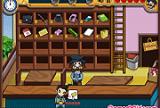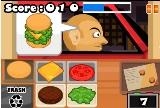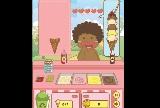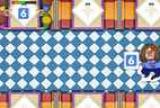
To play
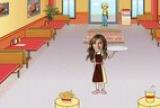
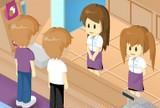


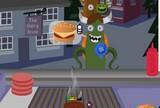

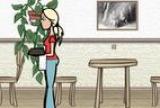
Orders pile up, customers grow impatient, and the tip jar depends entirely on your timing. The Waitress puts you behind the counter of a busy diner where speed and multitasking are the only things standing between happy guests and a table full of complaints. A classic browser restaurant game played entirely with the mouse.
Managing the Rush: How the Restaurant Works
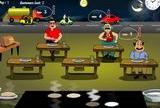
Customers enter, sit down, and wait — and their patience has a visible limit. Take too long to greet them, deliver their food, or collect payment, and they leave unhappy, taking their tips with them. The rhythm of the game revolves around reading multiple tables simultaneously: who just sat down, who's ready to order, who's waiting for the bill.
The mouse does everything — click to greet customers, take orders, pick up food from the kitchen, and deliver it to the right table. Efficiency means planning your route across the restaurant so you never make an empty-handed trip between tables.
What Makes The Waitress Click
The satisfaction in this type of game comes from mastering controlled chaos. Early levels feel manageable, almost slow. Then the second wave of customers arrives, and suddenly you're managing four tables, a kitchen queue, and a customer who's been waiting too long for their check.
Fans of restaurant games like Burger Restaurant 3 or Unfabulous Burger Bustle will recognize the same escalating pressure that defines the genre. The Waitress keeps its mechanics clean and approachable — no complex upgrade systems, just pure time-management challenge that rewards focused attention.
For Whom The Waitress Was Made
This title is an ideal fit for players who enjoy time-management games where performance is measured in seconds. The mouse-only controls make it immediately accessible — no keyboard shortcuts to memorize, no complex interfaces. Each shift is a short, self-contained challenge, making it easy to pick up for a quick game or play through multiple levels in one sitting.
How many levels does The Waitress have?
The game features multiple levels with progressively increasing difficulty — more customers, faster pace, and tighter time windows. Each level is an independent shift with its own challenge, so you can replay earlier stages to improve your score.
Do you need a keyboard to play The Waitress?
No — The Waitress is controlled entirely with the mouse. All interactions, from taking orders to delivering food and collecting tips, are handled by clicking. No keyboard shortcuts are needed.
A clean, satisfying slice of restaurant chaos — one of those classic browser games that never gets old once the rush hour hits.
Controls :
RATON